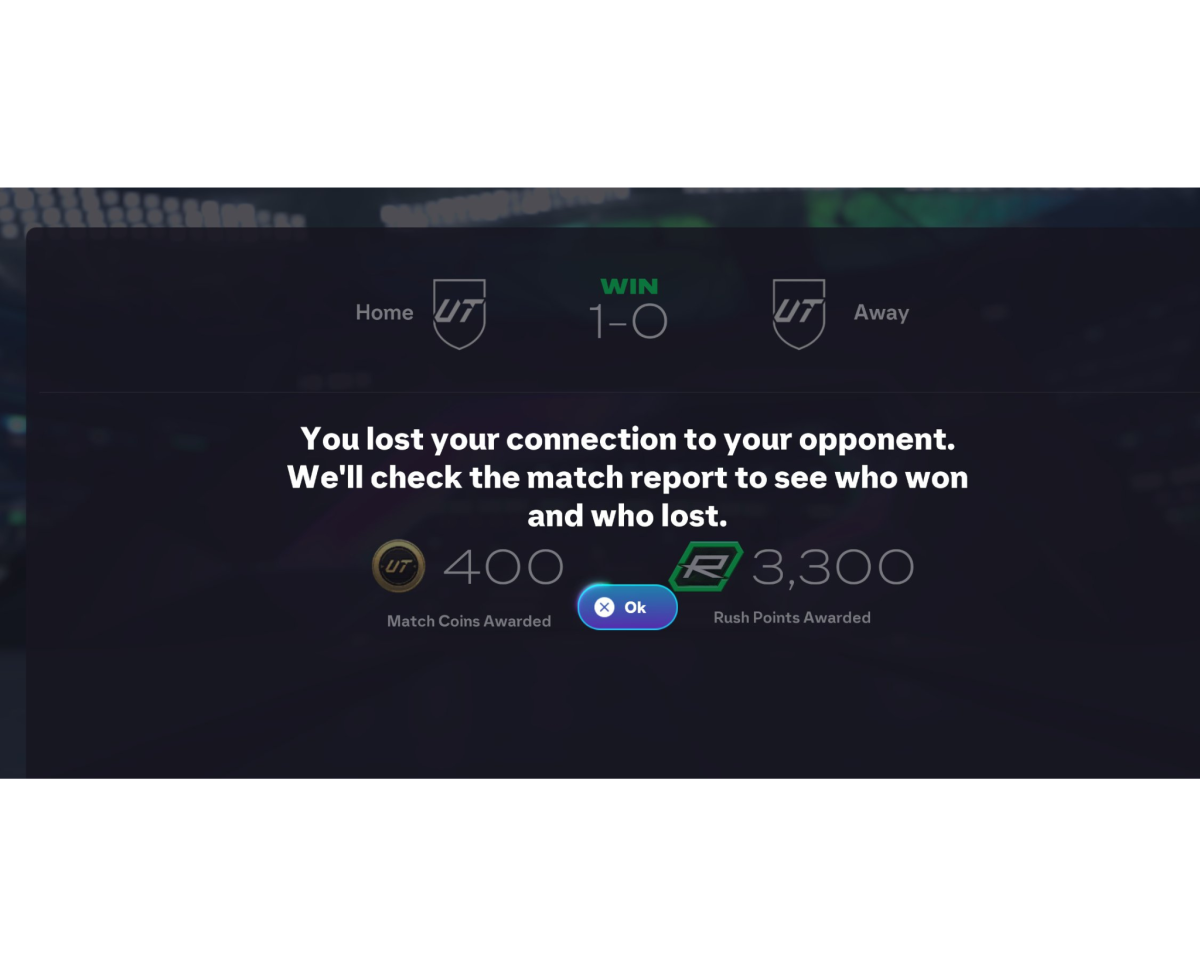
FC 26 players have been grappling with a severe disconnection problem that has made online gameplay nearly impossible for many, particularly on PC. Since the release of patch version 1.1.0 on October 23, 2025, players have flooded forums and community channels with reports of being kicked from matches, losing progress, and facing potential suspensions due to repeated disconnects.
The disconnection issue primarily affects PC players, though console users have also reported intermittent problems. Players experience disconnections during Rivals matches and various game modes, with messages indicating opponents have disconnected even when the player’s internet connection remains stable. Many report being disconnected within the first few minutes of a match or even just 20 seconds after kickoff. The timing couldn’t be worse for the community. The issue has persisted for more than four days during the much awaited Scream Promo and objectives, preventing players from earning rewards, completing evolution challenges, and participating in Weekend League competitions. For some, the problem has resulted in undeserved losses and the threat of temporary bans due to the sheer volume of disconnects.

EA’s investigation has identified the root cause as a PC specific technical fault related to graphics settings. The disconnection issue is triggered by the crowd quality graphic setting. When players adjust certain visual options, particularly crowd quality settings, the game experiences sync errors with EA’s servers that result in immediate disconnections. The problem appears to stem from corrupted network sync files rather than traditional internet connectivity issues. This explains why players with stable, low ping connections continue to experience drops while other applications and voice chat programs work flawlessly.
EA Sports FC Direct has confirmed that update version 1.1.2 will be released soon to fix the PC specific disconnect issue affecting online matches. The patch specifically targets the technical fault causing random connection drops for PC players.
FC 26 v1.1.2 will be out soon, addressing a PC specific disconnect that can occur in online matches.
— EA SPORTS FC Direct Communication (@EASFCDirect) October 27, 2025
While waiting for this update, players can temporarily change the Crowd Quality setting under Graphics to medium to work around this issue. Please ensure to restart the title for…
They recommend players to temporarily change the Crowd Quality setting under Graphics to Medium as a temporary workaround, ensuring to restart the game for the change to take effect. However, this is explicitly a temporary measure until the official patch deploys across all regions. Here is what PC players can do as a workaround.
Opening the Run dialog by pressing Windows + R, entering “%localappdata%\EA SPORTS FC 26”, and accessing the fcsetup.ini file Searching for crowd_quality and updating the line to read crowd_quality = 1 (where 1 equals medium quality) Setting the fcsetup.ini file to Read only to prevent the game from overwriting the setting.
Another approach involves closing FC 26, Steam, and the EA App completely, then deleting the FC 26 folder from C:\Users\YOUR_USERNAME\AppData\Local. After deletion, you must follow a specific launch order, open EA App first, then Steam, then launch FC 26 then verify game files through Steam, which will recreate the folder with fixed files and then restart your PC.
Some players have found success by toggling cross play settings every time they launch the game. Turning cross play off, entering any online mode, then turning it back on before starting a match.
The 1.1.2 patch represents EA’s latest step in stabilizing FC 26’s online performance following earlier gameplay focused updates. Version 1.1.0 brought major defensive overhauls and improvements to jockey responsiveness, AI positioning, and passing mechanics. Version 1.1.2 will focus specifically on technical stability to ensure PC players can stay connected without disruption. The community’s frustration is justified, with many players requesting compensation for lost progress and questioning the lack of immediate communication during the first few days of the crisis. As the patch rollout approaches, players hope EA will not only fix the disconnect issue but also address concerns about quality assurance testing that might have prevented such a game breaking bug from shipping in a major update.